Google Chrome
Safe, fast, and reliable browsing with Google Chrome
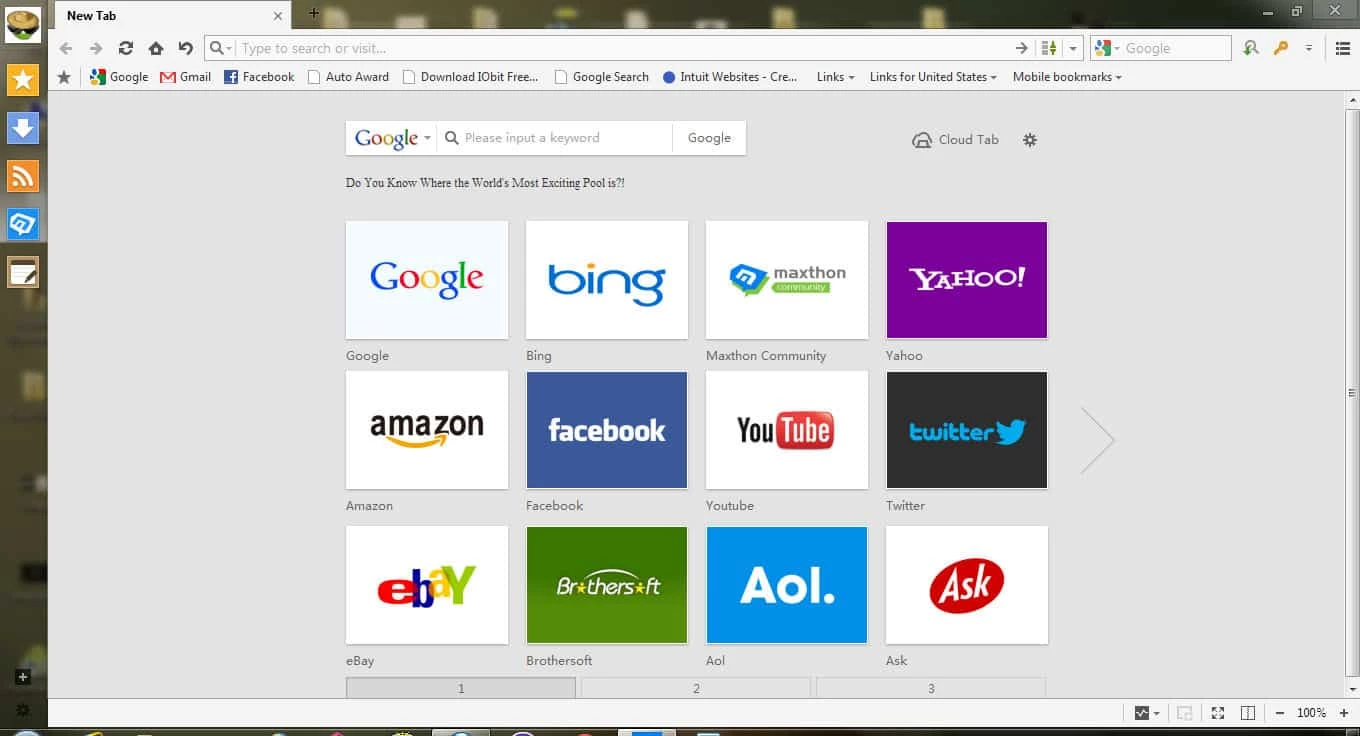
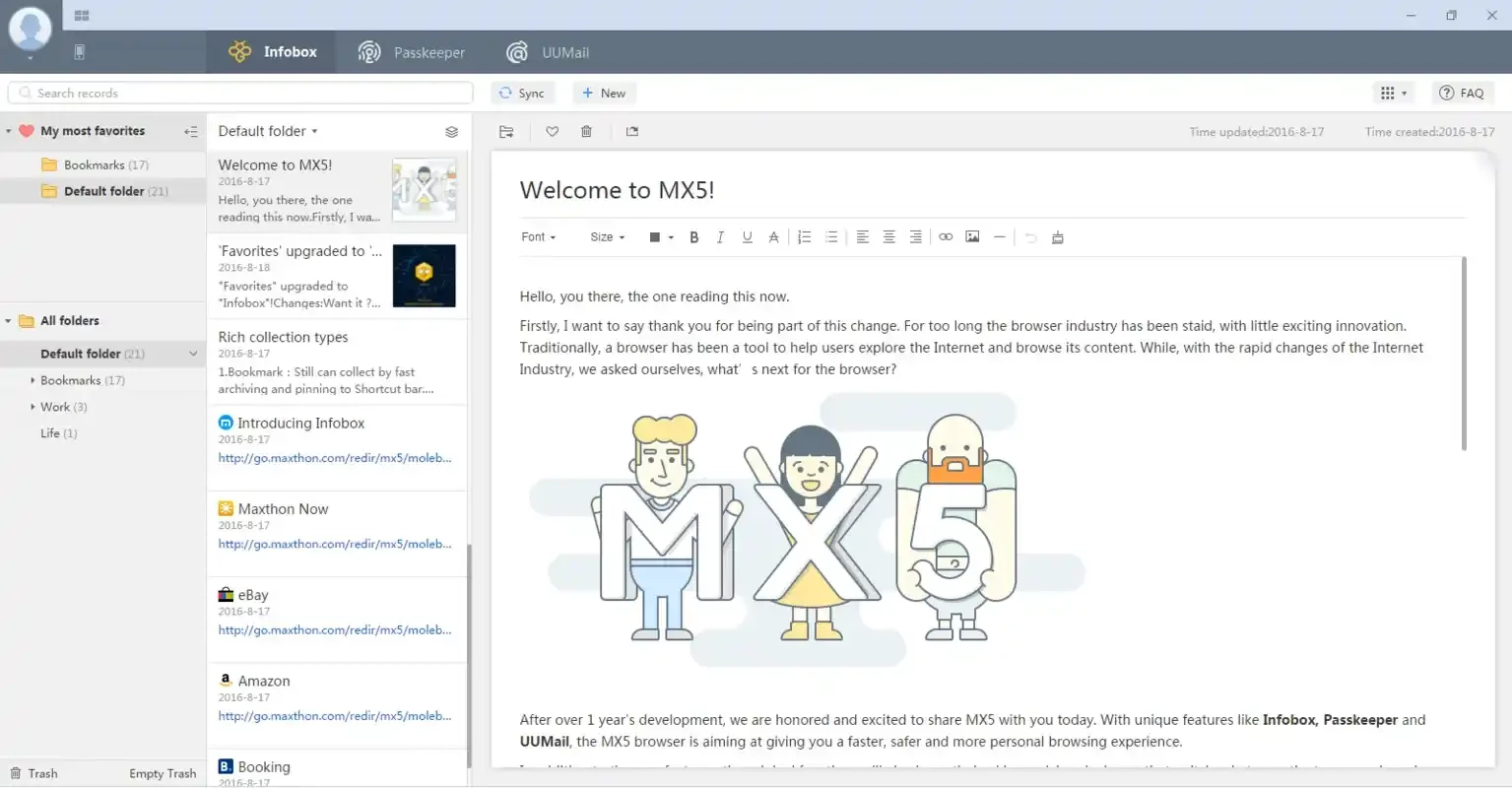

Maxthon Cloud Browser is a multi-platform browser that is basically designed for Android devices, but has complete compatibility with the Windows operating system as well. The cloud syncing enables users to easily store their extra, yet important data, and bookmark their settings across multiple devices.
The Chromium-based browser offers a lot of advancements, and the use of new technologies offers optimization and robust speed for browsing. It streamlines the user experience while offering customizable mouse gestures, quick tab management, and a lot of other capabilities.
Maxthon, previously known as MyIE2, is a Chinese-based freeware web browser developed by Jeff Chen and was released in 2002. It is based on chromium and available for all popular digital devices, including Windows, macOS, Linux, and of course the smartphones.
It is a free, safe, and versatile browser to offers seamless synchronization between multiple devices. The integration for multiple engines, including WebKit, Trident, etc, offers awesome compatibility with multiple web standards. You will find a lot of stunning capabilities within a highly customizable interface, such as ad-blocking, resource sniffing, split-screen browsing, and a lot of others.
The user interface within an intuitive design is highly customizable, clean, and modern. It has an organized tabbed layout similar to other mainstream browsers. After installation, launch the app, create a Passport account, enable cloud sync, and access other features without having any technical skills. You will find a personalized homepage, and quick switching between search engines using the address bar. Multiple tools and widgets are available in the sidebar, including a note-taking app, a download manager, weather updates, and so on. You have multiple options within the straightforward settings menu for adjusting the appearance, extension management, and privacy settings configurations.
The browser is simple to use with multiple options such as;
The browser is based on Chromium core and has seamless compatibility with all extensions and apps related to this engine. So, it is possible to stay with Maxthon while adding Chrome extensions to avail awesome functionality. Moreover, it is compatible with multiple browsers, including Chrome, Edge, IE, and Firefox, and enables you to continue your work while importing local data from other browsers. The cloud syncing feature offers hassle-free sharing of data between multiple devices.
The browser offers multiple modes for your ease to manage your browsing more reliably, such as;
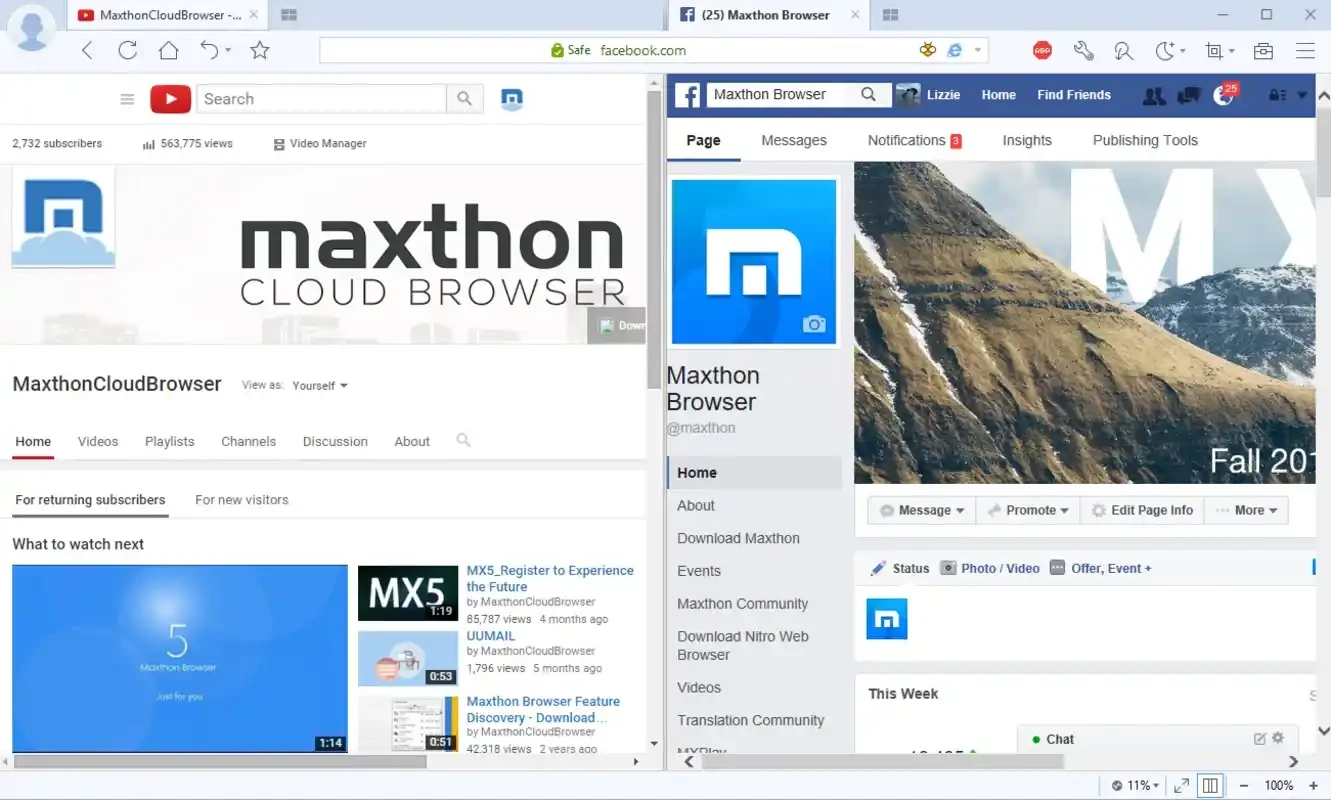
The browser supports WebKit and Trident rendering engines that are integrated into multiple websites and applications, and transfers your search query or URL to the appropriate search engine, giving you access to your required websites. It makes your browsing experience smoother and enhances page loading times. Moreover, the split-screen browsing allows you to view two websites simultaneously in the same window to manage and compare them more reliably.
You have to navigate to the Settings menu for customizing the appearance of your browser, managing extensions, and privacy configuration as well. The configuration options are opened in tabs, instead of new windows, so you can easily view and adjust them. Some of the main options are standard File, View, and Tools types that are available in the Menu Bar, and some are in the Status bar as well. In case of feel the interface is cluttered, you have the option to disable some to make it clutter-free.
Pros
Cons

Safe, fast, and reliable browsing with Google Chrome

Opera offers the best browsing functionalities including built-in VPN, ad-blocker, and Turbo mode.
Safari for Windows, fast and secure web browsing

UC Browser for PC, the leading mobile browser now available for PCs

Cent Browser is a Chromium-based browser with seamless browsing online

Firefox can display a large number of pages and extra capabilities that can help you online very fast.